VIDEO | KLIK AIR
Installation on a 3D License Plate
In this video we show you how to mount our KLIK AIR license plate holder on 3D license plates.
VIDEO | KLIK AIR License Plate Holder Installation Instructions
KLIK | LICENSE PLATE HOLDER Installation Instructions
Here you will find the complete installation instructions for the screwed version of the KLIK license plate holder in detailed and illustrated text form.
Tools and Material
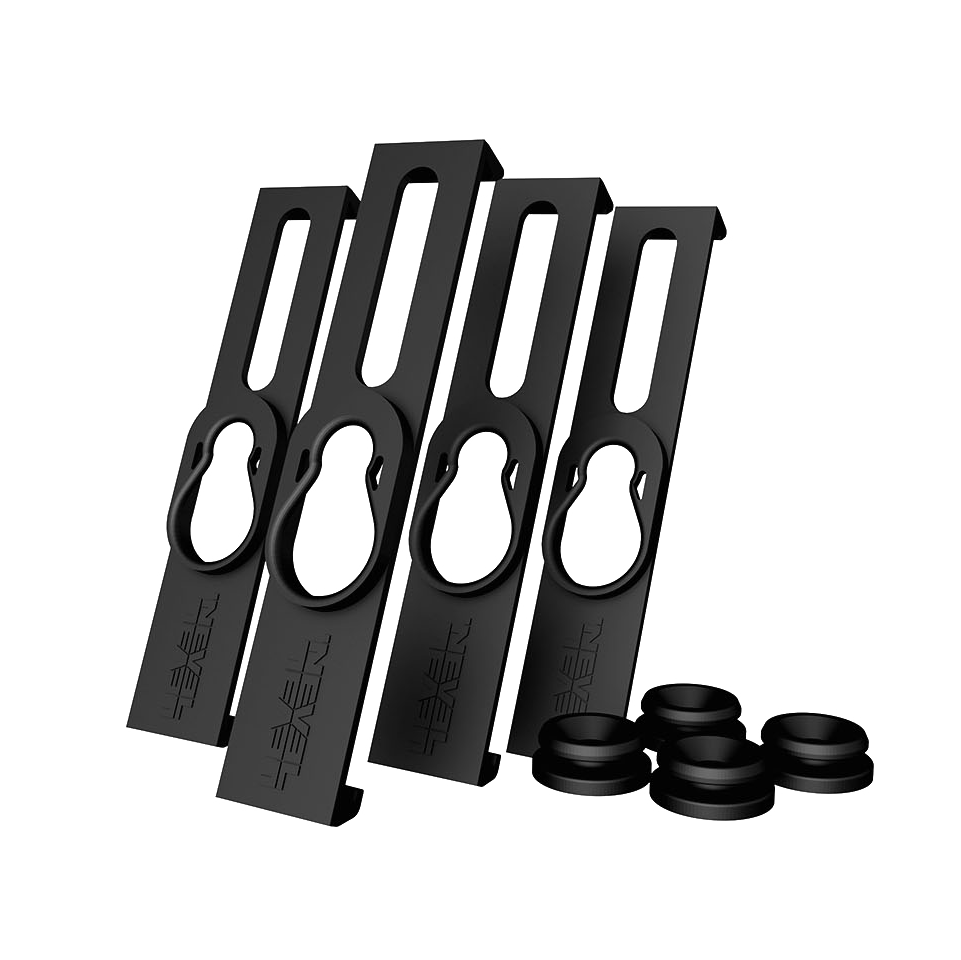
To mount a license plate, you will need two mounting arms and two mounting pins. Additionally, you will need either two sheet metal screws or two M6 screws. All necessary parts are included with your license plate holder.
If you need some distance from the vehicle, e.g. to bridge honeycombs or webs, your holder comes with suitable spacers. For more specialized applications, we also have other adapters for our KLIK license plate holder.
A standard Phillips screwdriver is sufficient for attachment.
Note: If necessary, you can also attach the mounting arms “upside down,” i.e., rotated 180 degrees, on your license plate if there is insufficient space above the license plate. In this case, simply click the system into place from bottom to top.
Overview of the license plate holder installation instructions
This is what you need to mount a license plate:
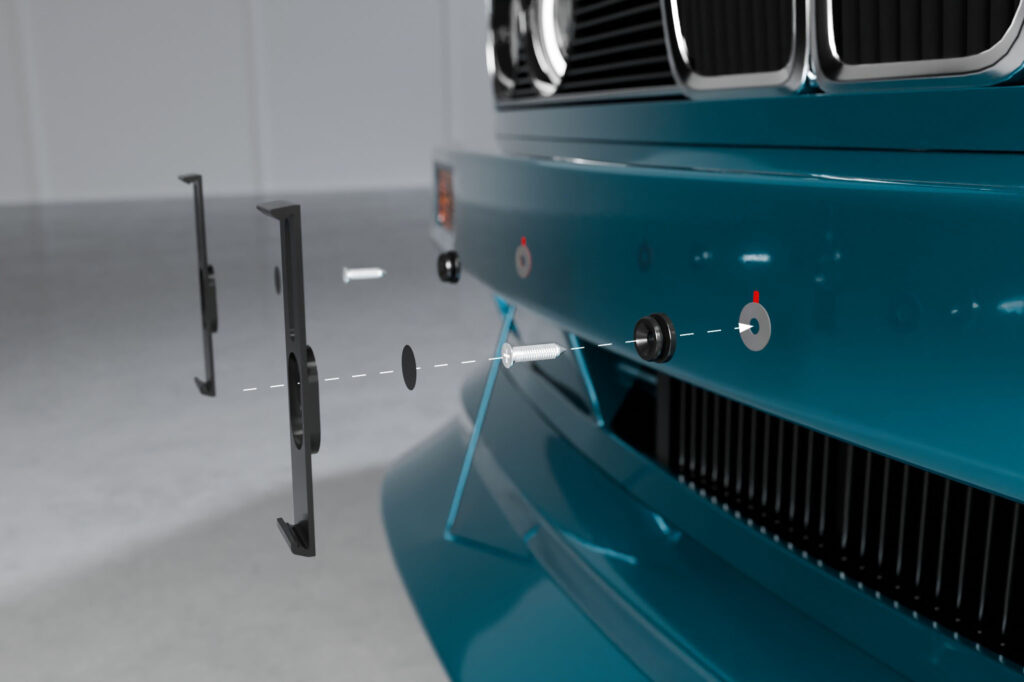
1. PREPARE PINS
Clean the pins and the surface where the retaining pins will be attached with the included alcohol swab. Allow the pins and surfaces to air dry for at least one minute to ensure no alcohol residue remains. Now attach the 3M adhesive pads to the back of the pins.
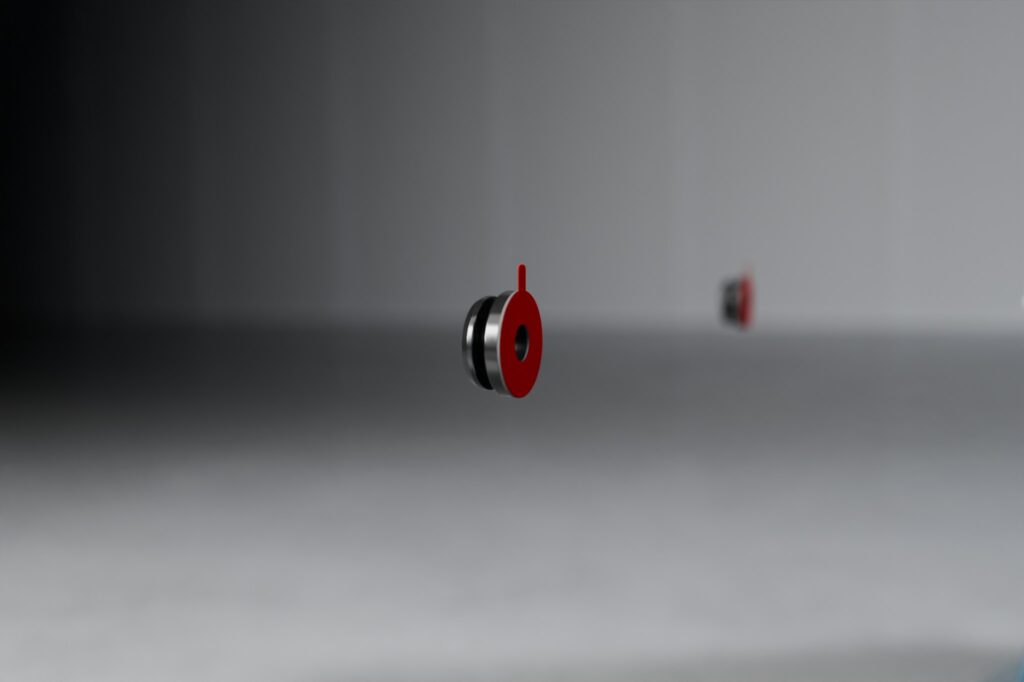
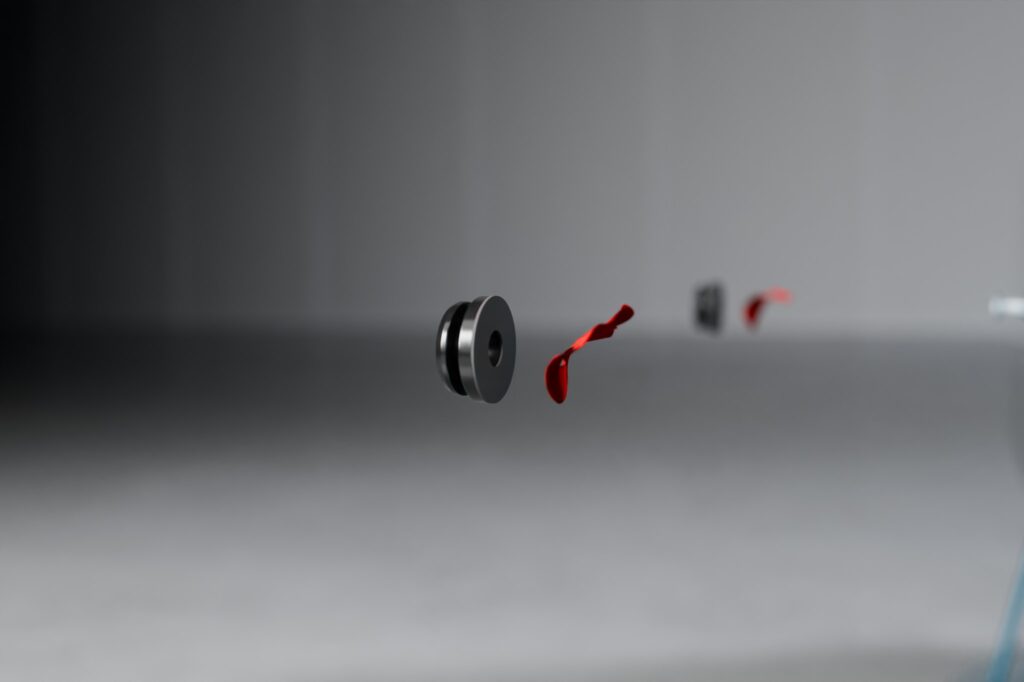
Remove the red protective film from the adhesive pad. It is also possible to skip this step and attach the pins without the adhesive pads. However, we recommend it, as the adhesive pads are very valuable as decoupling from the body, sealing against dirt and additional attachment.
2. SCREW ON PINS
Hold the pin so that it doesn’t accidentally touch the bodywork and screw the two pins onto your vehicle by hand (1-2 Nm). No more force is needed. Excessive torque can cause the screws in the plastic of the bumper to spin freely and no longer provide a hold, or even damage the pin.
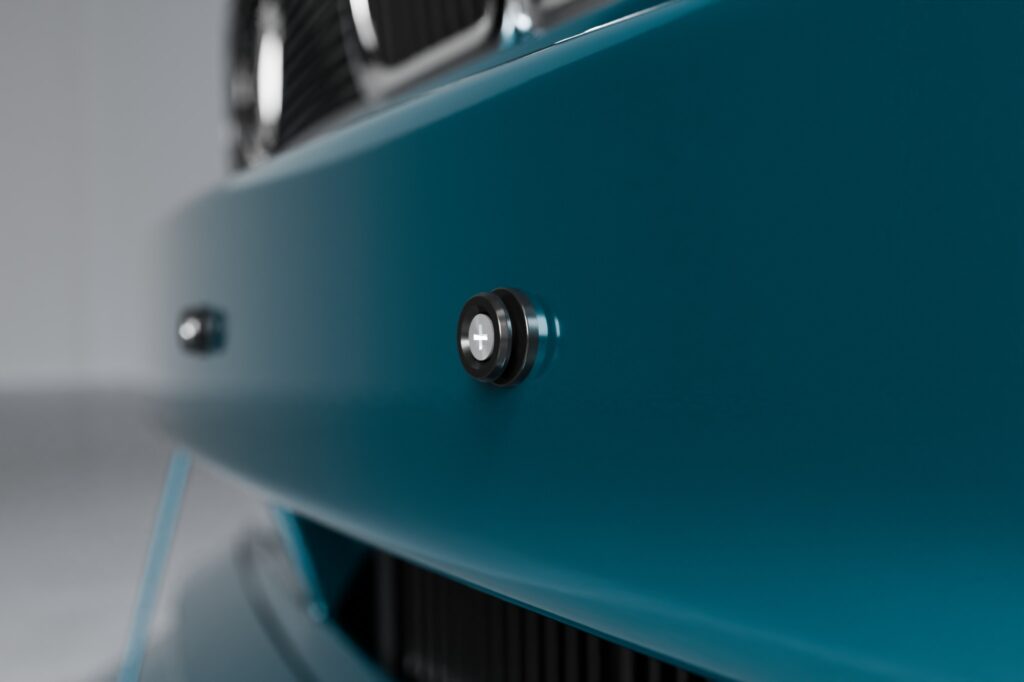
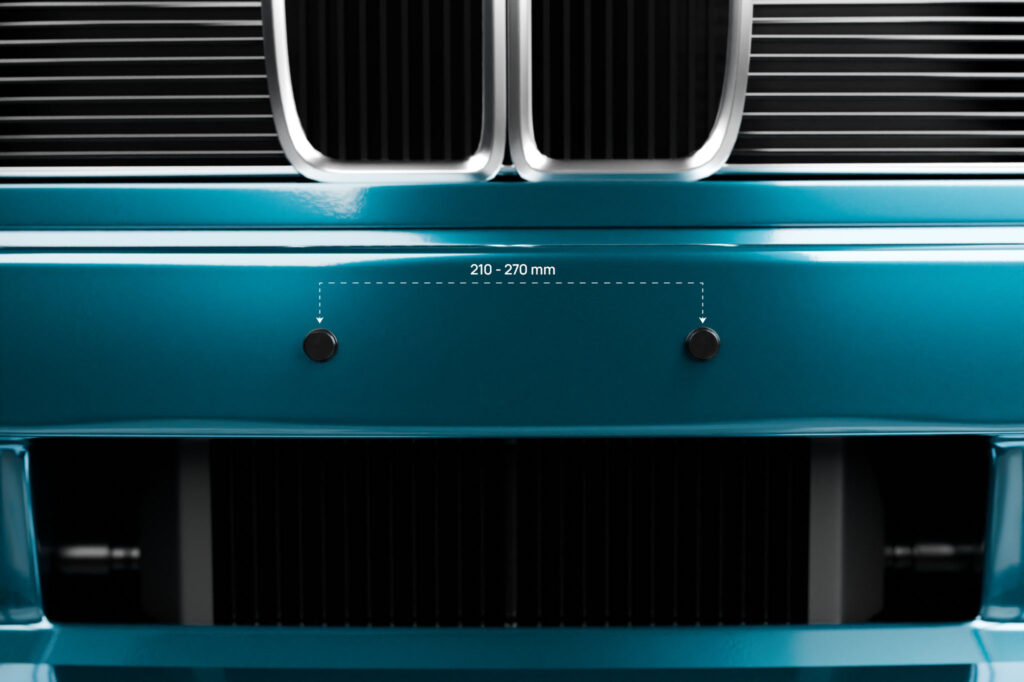
We recommend a distance of 210-275 mm between the pins. This value corresponds to the standard standard at the rear and has proven to be particularly stable in our tests. In principle, however, you can choose the distance freely.
Important: When positioning the pins, ensure there is at least 15mm of clearance above or below the license plate – depending on whether you are mounting the retaining arms conventionally or upside down. This is the only way to ensure the system locks into place correctly without interfering with, for example, the license plate light or handle strip.
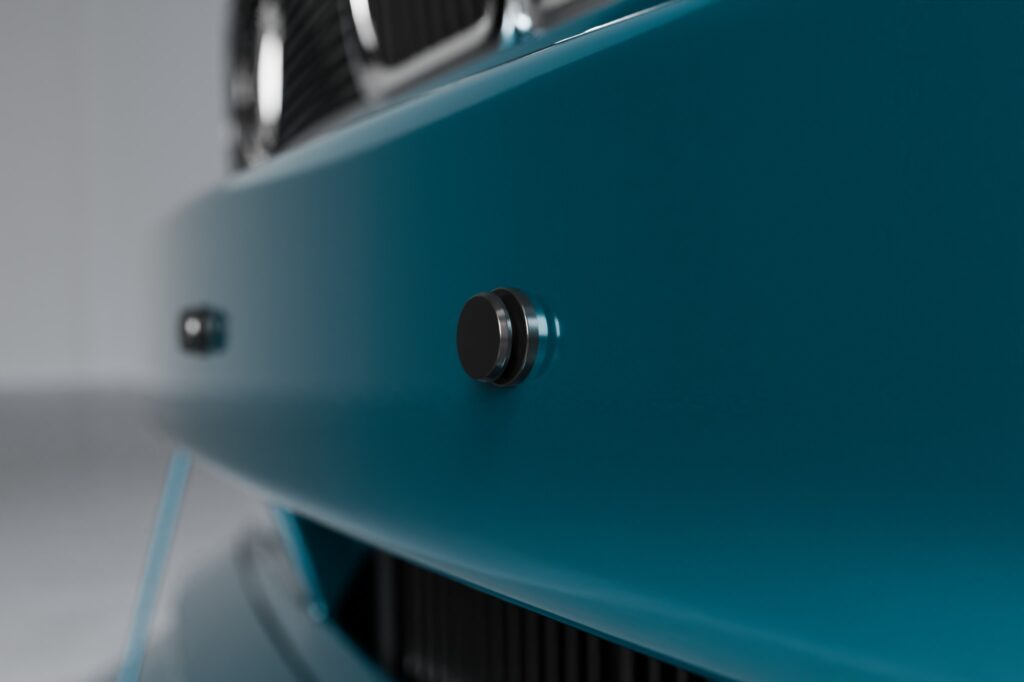
3. SEALING PINS
Once the mounting pins are in place, they are sealed with the included foil stickers to create the cleanest possible look. The pins should be clean, free of grease and dust.
4. ATTACH MOUNTING ARMS ON THE LICENSE PLATE
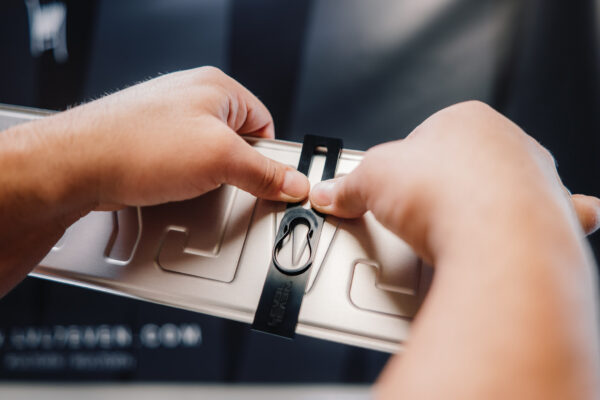
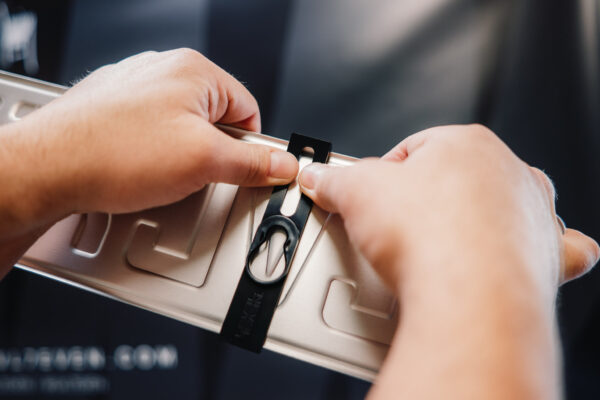
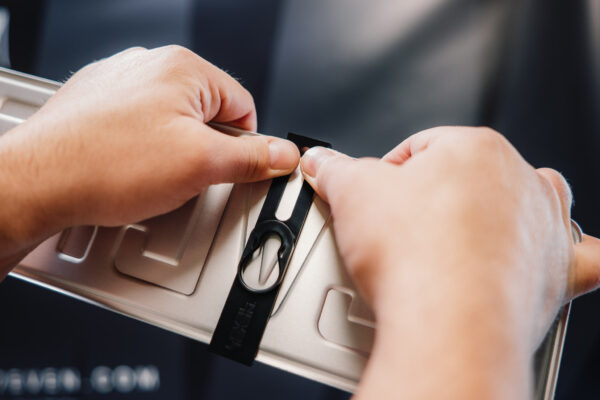
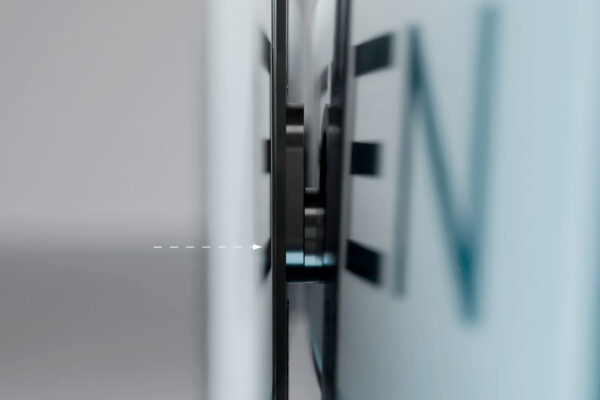
To attach the mounting arms, first insert the license plate into the bottom part of the holding arm. Then, using your thumbs, apply even pressure from the center of the holder upwards to the locking head until it audibly clicks into place. Ensure that the license plate is fully and flush against the back of the holder.
In contrast to conventional holders, where the license plate is simply pushed in from the front, our system requires a specific mounting movement. The reason for this is the material used. We deliberately rely on a particularly dimensionally stable plastic that enables an exact fit and long-term durability without the typical disadvantages of soft, highly elastic holders.
You can either measure the distance between the mounting arms beforehand or simply align them directly using the already mounted pins on the vehicle.
You should hear a clear clicking sound when it is correctly engaged. With 3D license plates, this noise is a little softer.
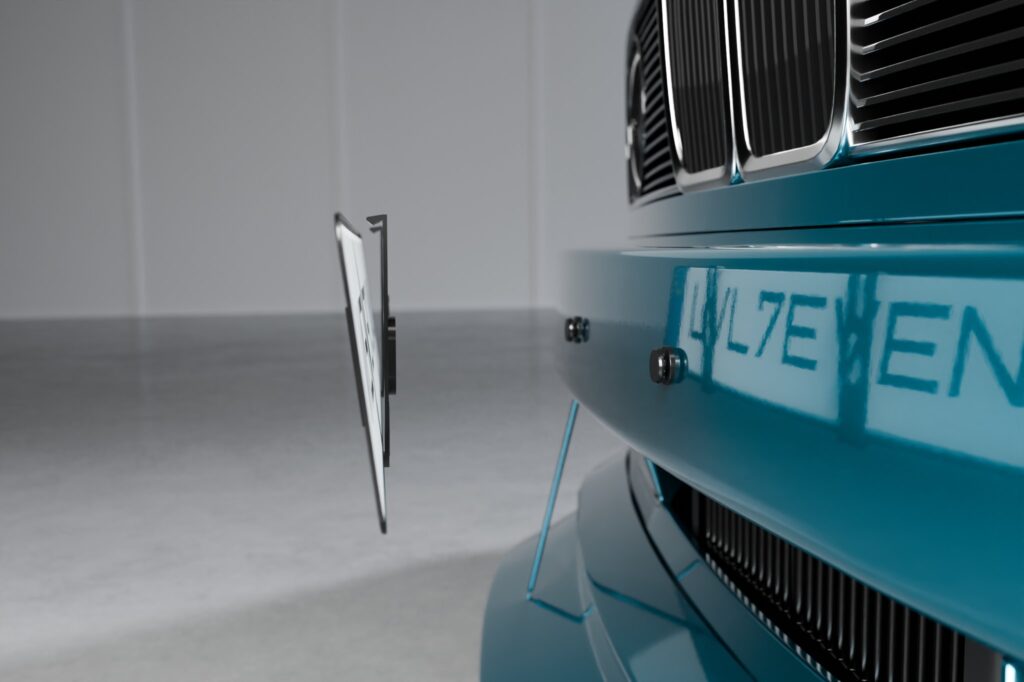
5. LOCK LICENSE PLATE ON THE HOLDING PINS
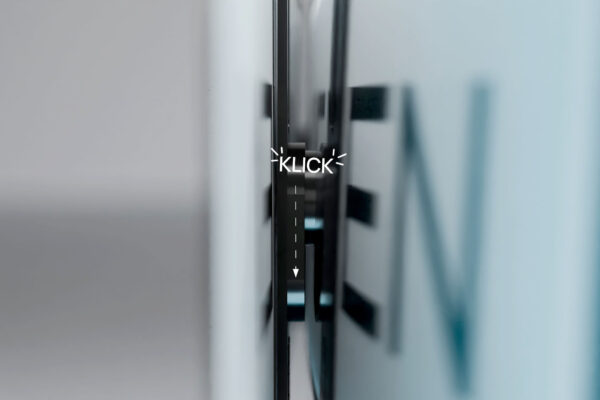
Next, attach the license plate with the attached mounting arms to the previously mounted pins on the vehicle. With slight downward pressure, the arms will click into place on the pins. You should hear an audible click.
That’s it. From now on, you can remove your license plate again at any time with just one hand.

VIDEO | KLIK UNIVERSAL License Plate Holder Installation Instructions
In this video, we show you how to mount the screwed version of the KLIK license plate holder and what to look out for.
ANY QUESTIONS?
FIND ANSWERS
Don’t have a KLIK holder yet?
Get the original from LVL7EVEN now – high-quality, minimalist and mounted in seconds.